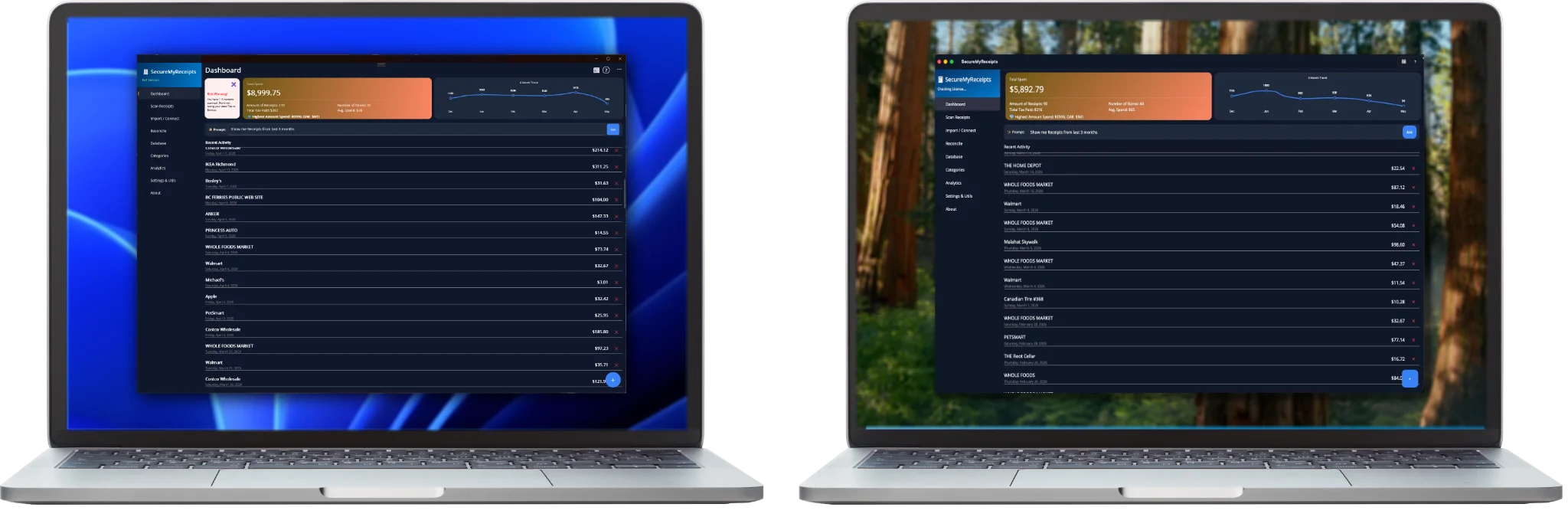
Your iPhone as your scanner on the go. Your Mac or Windows PC powering advanced, 100% private AI at your desk. SecureMyReceipts brings enterprise-grade financial tracking directly to your desktop—no cloud, no subscriptions, no compromises.
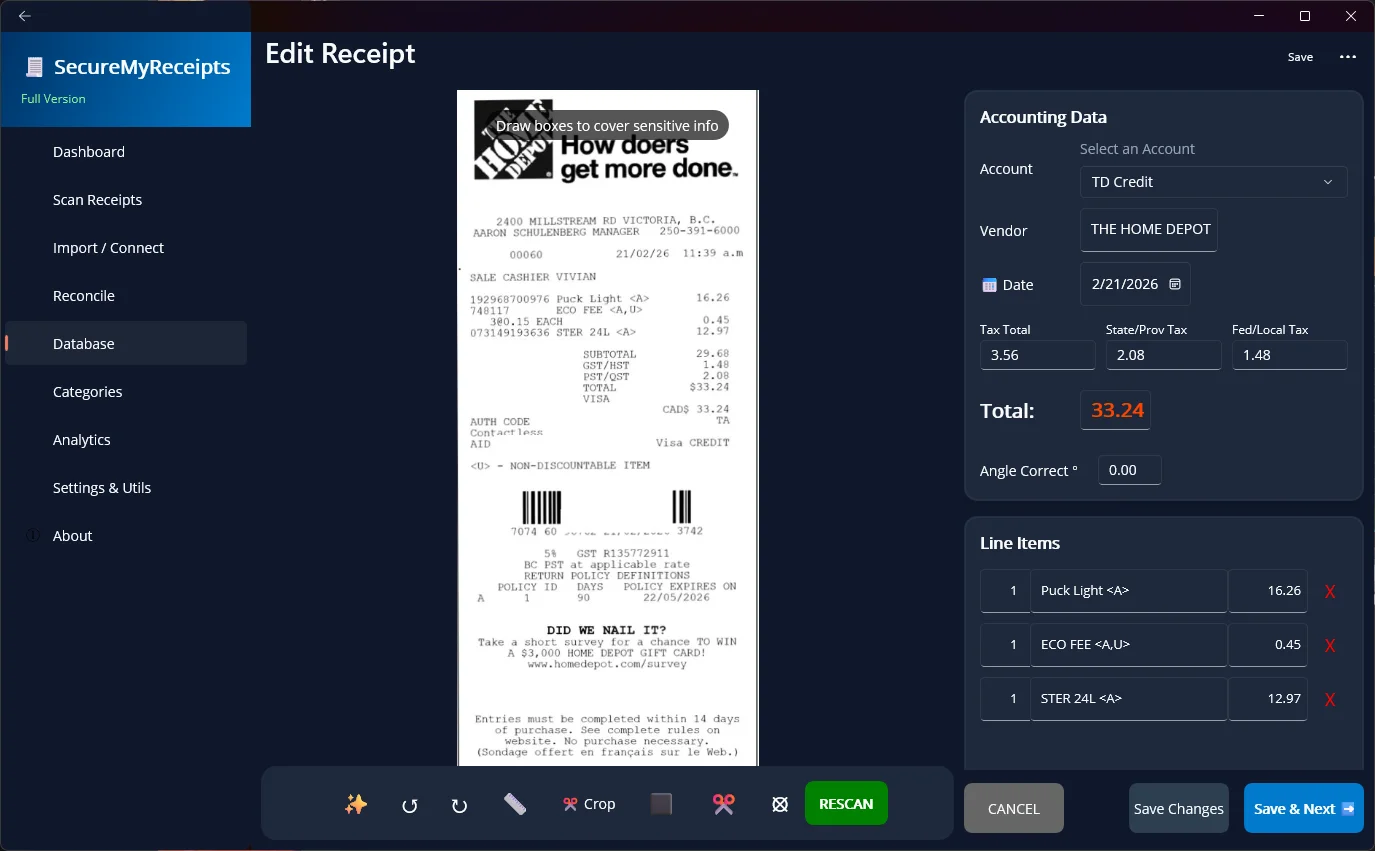
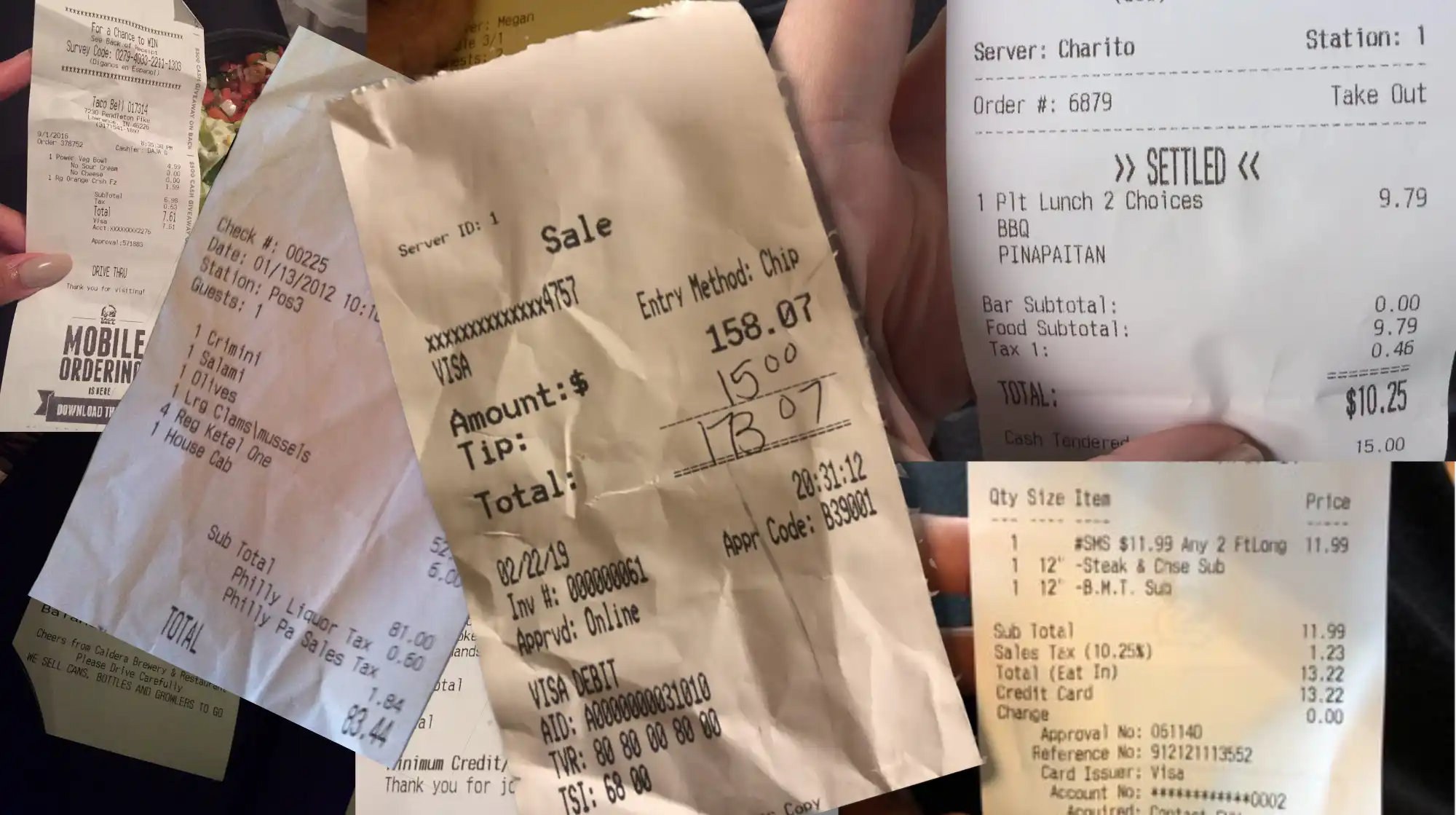
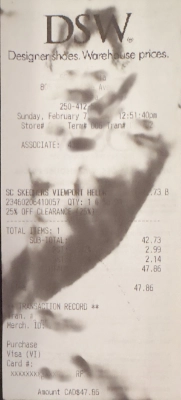
Say goodbye to toxic thermal paper forever. Got a physical restaurant or store receipt? No problem. Use your mobile phone, snap a picture with one click, and it is permanently captured for SecureMyReceipts before it suffers the dreaded "hot car" death.
Master your e-receipts. Use simple email searches or filters to gather all your digital PDF receipts. SecureMyReceipts will automatically scan them, extract all the relevant tax data, and instantly sort, categorize, and track them for you.
Skip the scanning entirely. Use our secure embedded browser to automatically fetch your massive Amazon and Costco purchase histories without ever taking a single photo!
1. AI Vision for Physical Receipts: Got a crumpled, smudged, or faded paper receipt? Our advanced local AI acts like a digital magnifying glass to recover the text. Because it runs 100% locally on your PC, your private documents are never sent to a cloud server to be processed.
2. Smart Web Extraction for Online Retailers: For sites like Amazon and Costco, we don't guess. We use a highly precise, non-AI extraction tool that scans your "Purchase History" pages. Using deterministic, fixed-pattern recognition, it surgically extracts exactly what you need for taxes—Date, Total, Tax, and Items—and nothing else. Fast, clean, and 100% accurate.
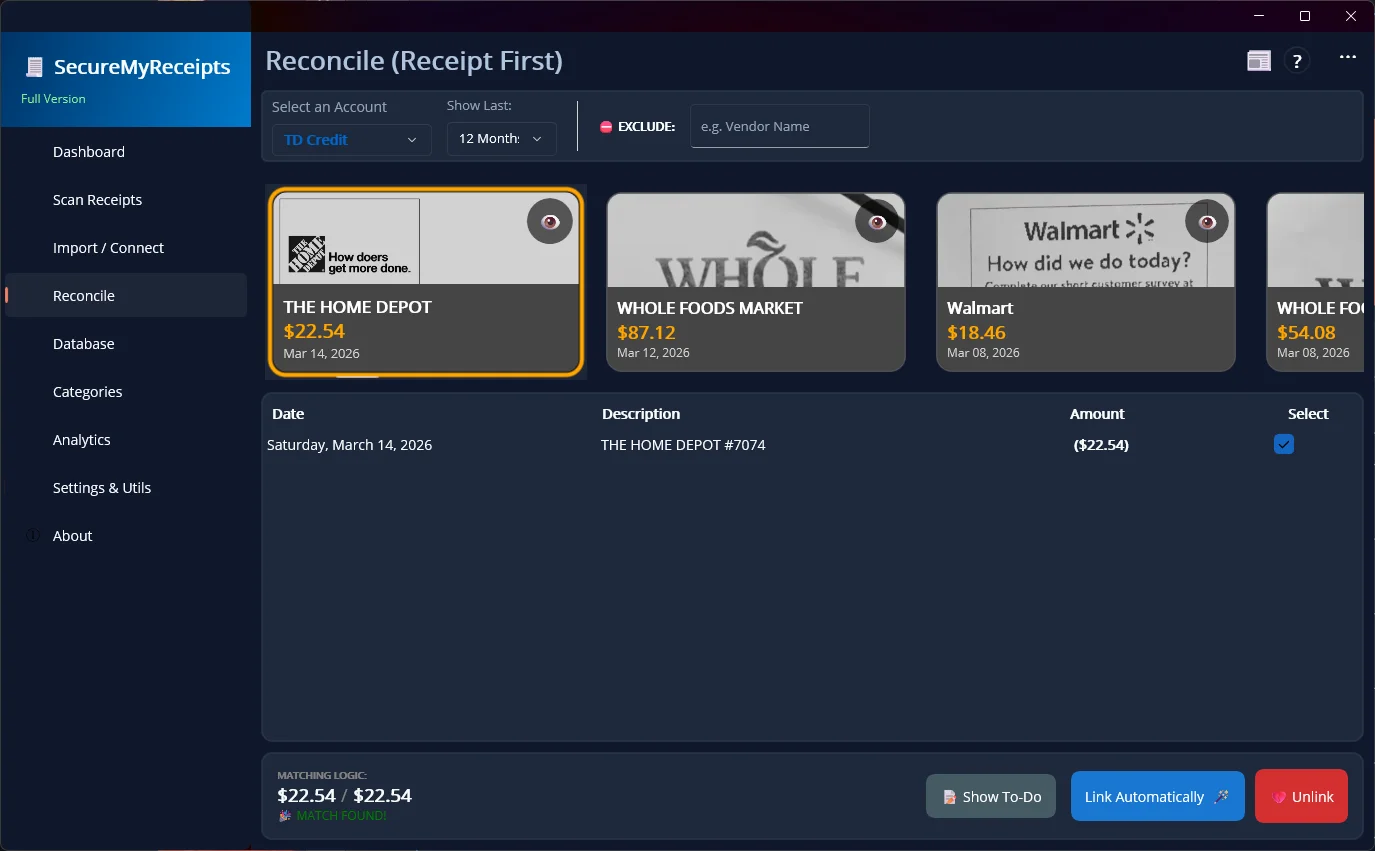
Untangle Messy Split Payments: What takes days now takes seconds. Tired of matching one big Amazon shopping cart total against four randomly split credit card charges? SecureMyReceipts automatically finds the chunks, matches the payments, and clearly links them back to the single master receipt.
Secure QFX Bank Imports: Bring your bank statements in with a snap using standard QFX (QuickBooks) files. True to our privacy promise, we never connect to your bank behind your back. You download the file, you point the app to it, and we reconcile the transactions locally. Once imported, your data is locked down tight with AES-256 encryption for your backups.
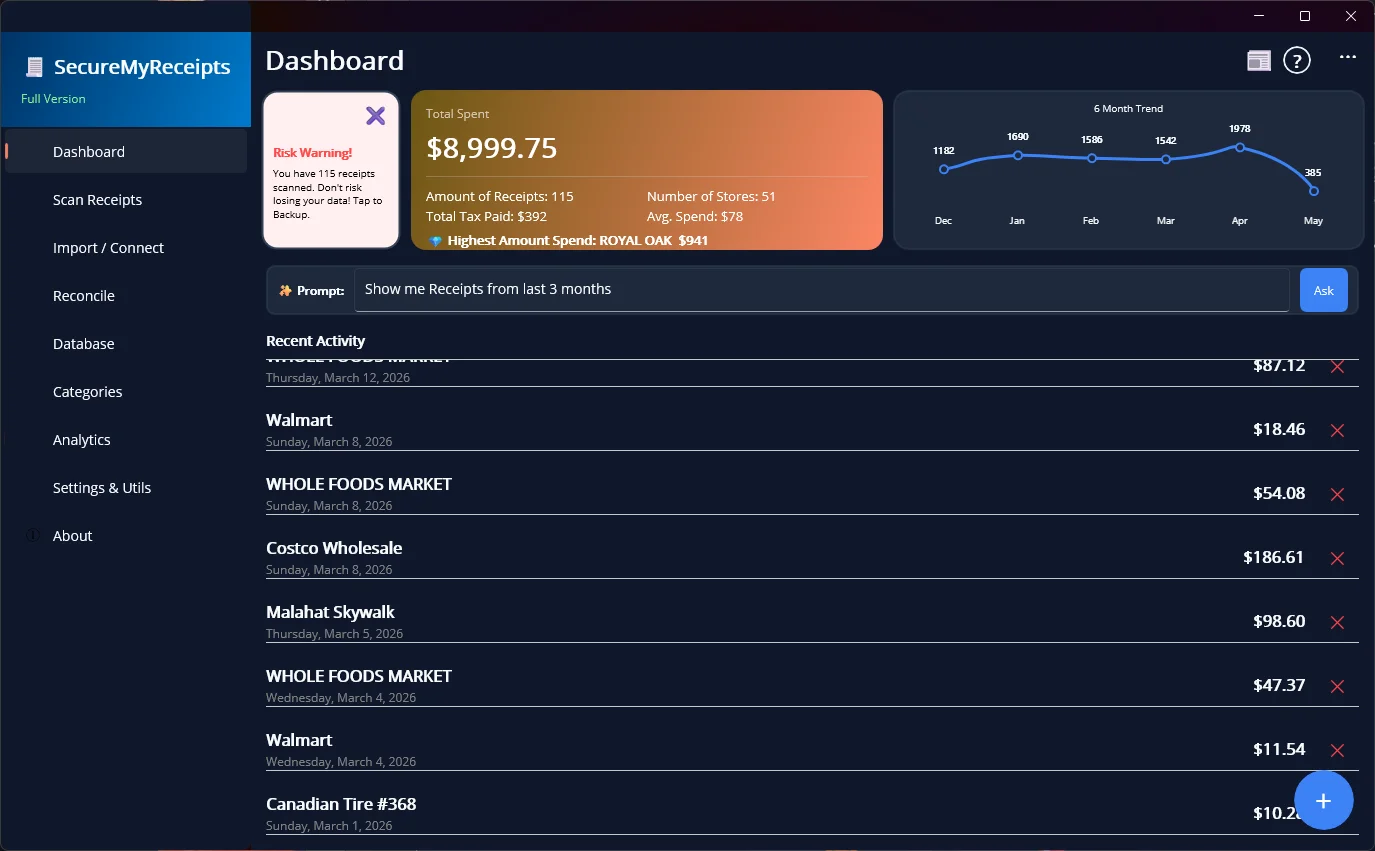
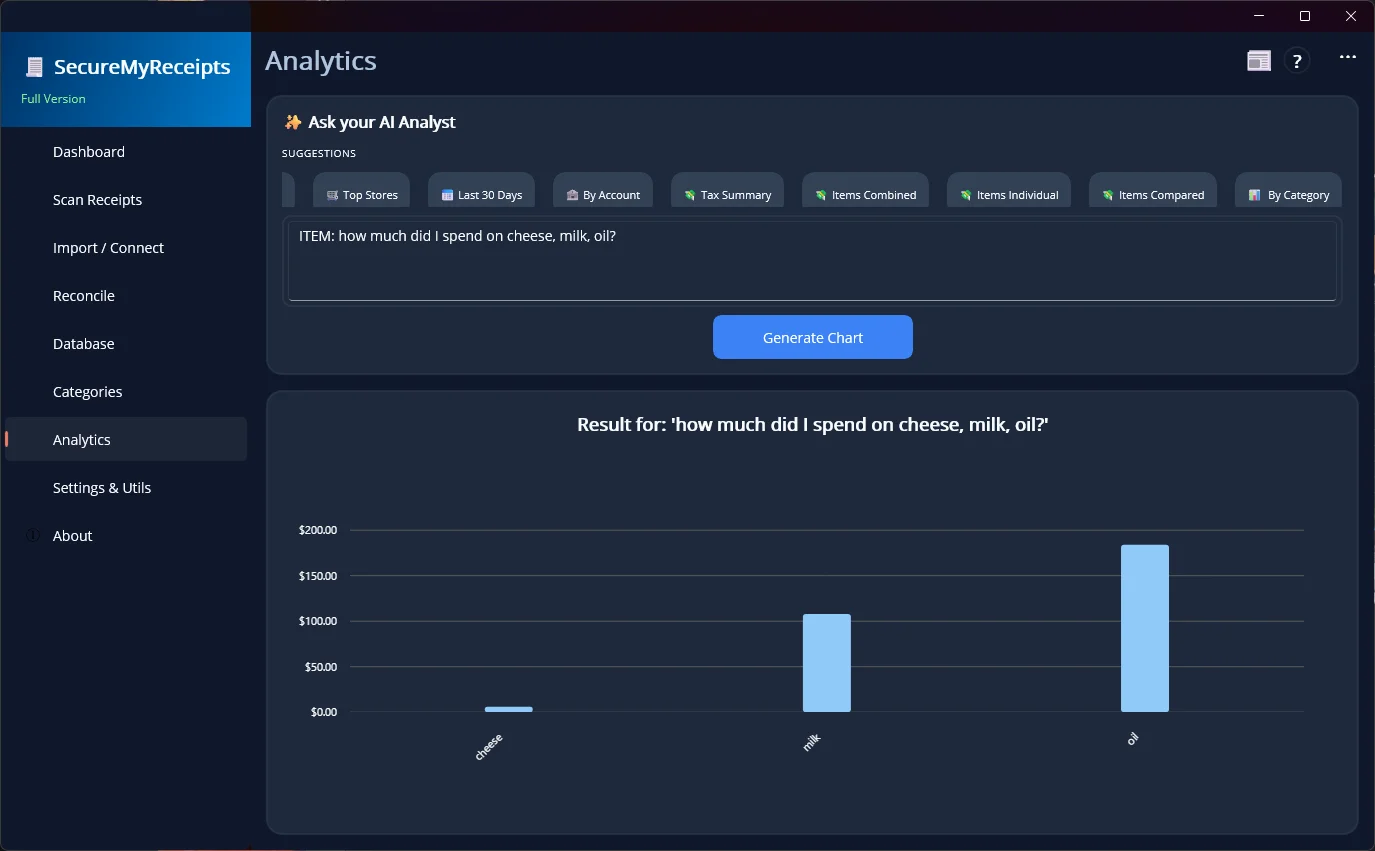
A "Spreadsheet Master" in Your Pocket: Stop wrestling with complex formulas and pivot tables. SecureMyReceipts acts as your own intelligent data specialist. Just ask simple questions like "Show me my spending by day for the last 30 days" and get top-notch financial analytics instantly visualized in clear, beautiful graphs.
Uncover Powerful Insights: Do you really know how much you actually spend on coffee? Now you can! Whether you want to uncover hidden habits or track serious metrics like "Show me total tax paid per month," the AI does all the heavy lifting. No math required—just ask!
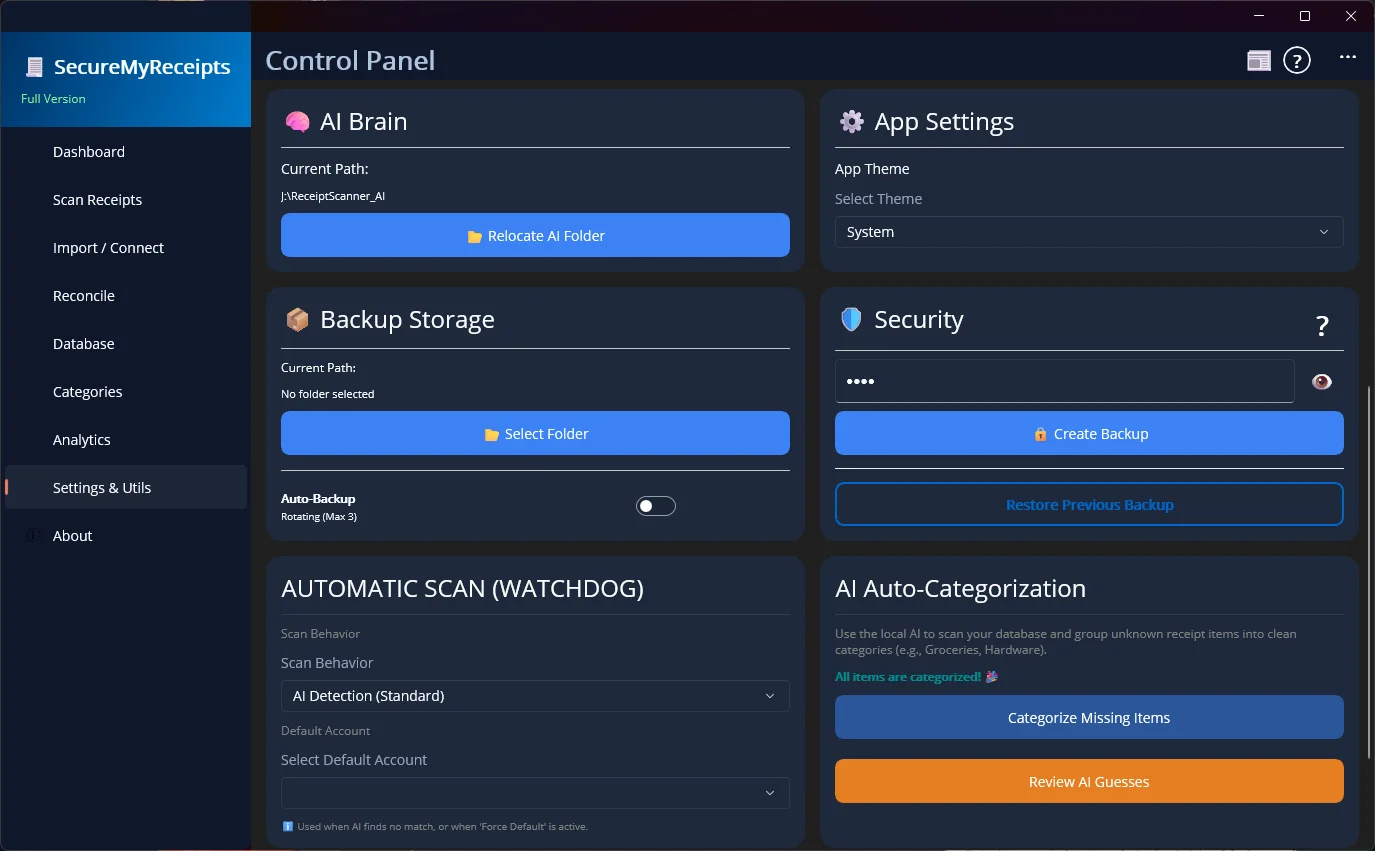
We don't just promise privacy; we hardcoded it into the software. Here is exactly what we do (and absolutely don't do) with your sensitive financial data:
Translate Cryptic Abbreviations: Ever looked at a store receipt and wondered what on earth "XTRFLM FRSTRTR" means? Retailers love terrible abbreviations. Our intelligent Local AI reads that gibberish and instantly translates it back into plain English (like "Xtraflame Firestarter").
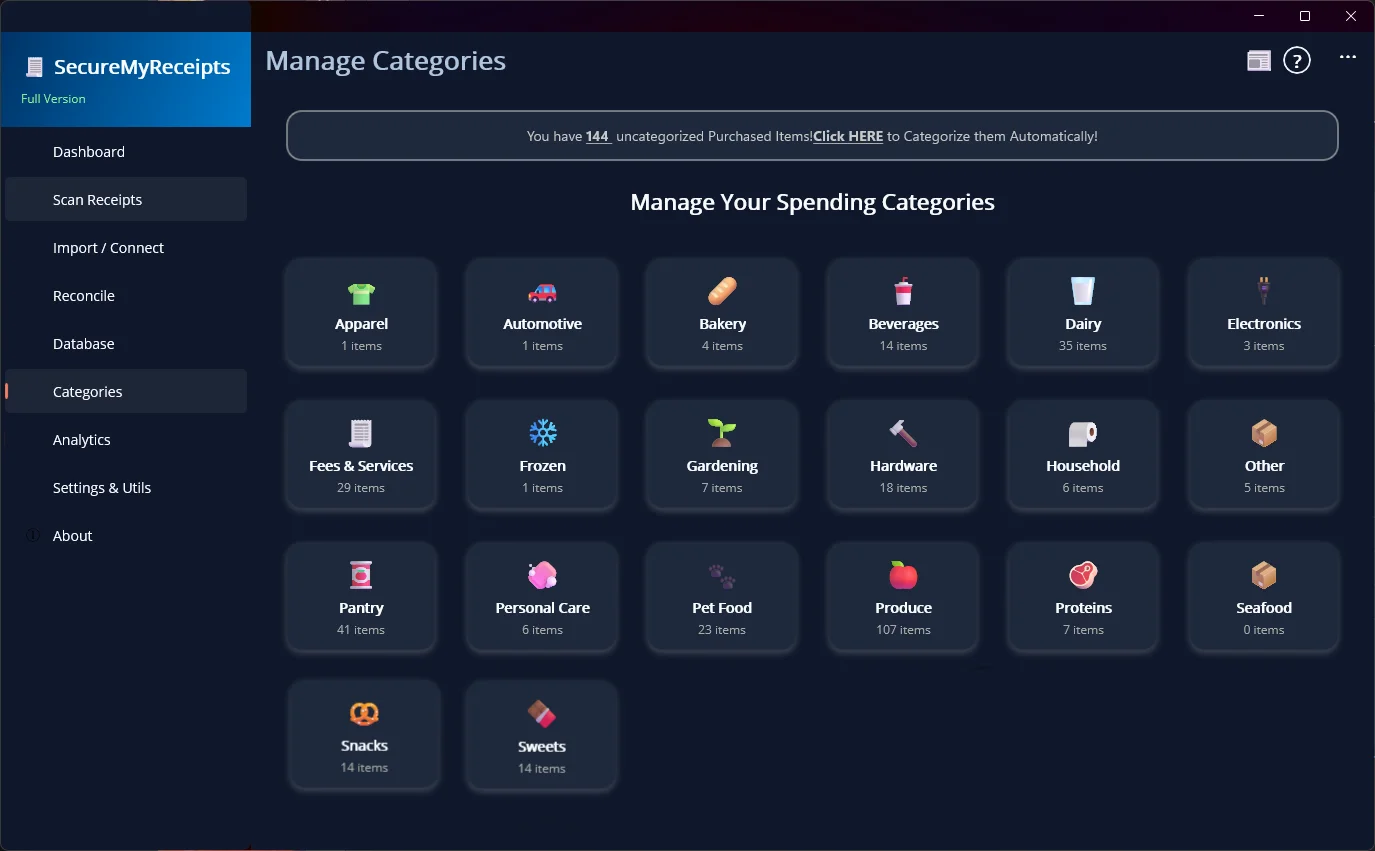
Smart AI Categorization: Once deciphered, the AI does the heavy lifting by automatically assigning your purchases to the correct built-in categories. You can easily review and tweak everything in our beautiful Category Auditor page—giving you a perfect picture of your spending without having to manually tag hundreds of items yourself!

SecureMyReceipts is officially live! Experience private receipt scanning powered by local AI directly on your Mac. Download today and start your 14-day free trial.
Requirements:
Get the FREE SecureMyReceipts trial right now on the Microsoft Store. See what 100% private, local AI can do for your personal and business finances.
Requirements:
 Made securely in Canada